

Display local and public IP addresses in the terminal, with optional QR codes, clipboard copy, JSON output, and watch mode.
Install
npm install -g seemyipRequires Node.js 18 or later.
Quick start
# Run without installing
npx seemyip

# Show public IP with QR code and copy to clipboard
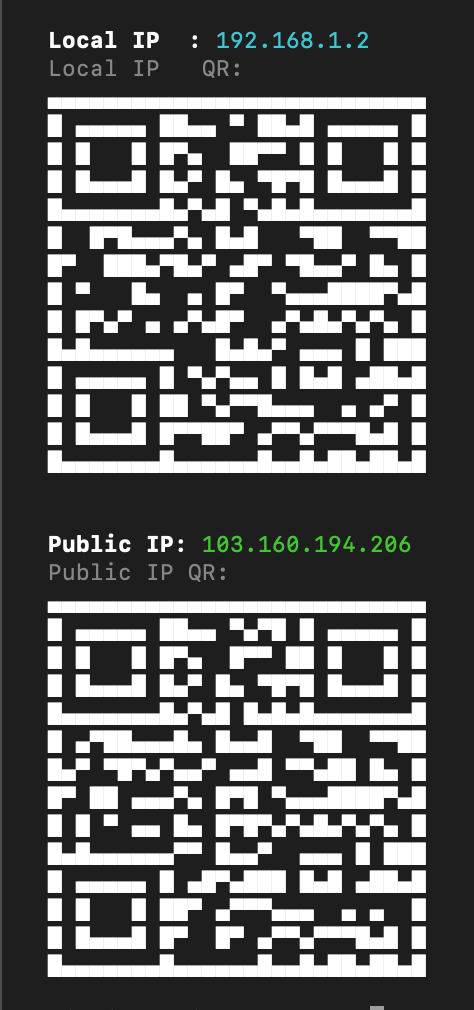
npx seemyip -gqc
Usage
seemyip [options]
Display
| Flag | Description |
|---|---|
-l, --local |
Show local IP only |
-g, --global |
Show public IP only |
-q, --qr |
Show QR codes for the IPs |
-6, --ipv6 |
Include IPv6 addresses |
-j, --json |
Machine-readable JSON output |
-n, --no-color |
Disable colored output |
Actions
| Flag | Description |
|---|---|
-c, --copy |
Copy IP address(es) to clipboard |
-o, --open |
Open IP in default browser |
-w, --watch [s] |
Watch for IP changes every N seconds (default: 5) |
General
| Flag | Description |
|---|---|
-v, --version |
Print version number |
-h, --help |
Show help |
Examples
# Show both local and public IP
seemyip

# Show only public IP with QR code
seemyip -gq

# JSON output for scripting
seemyip -j

# Show both IPs, copy to clipboard
seemyip -c

# Watch for changes every 5 seconds
seemyip -w

# Watch every 10 seconds, only public IP
seemyip -w 10 -g

# Show local IPv6 address
seemyip -6 -l

# Quiet, no-color output (safe for piping)
seemyip -n
How it works
- Local IP -- Uses
os.networkInterfaces()to find the first non-internal IPv4 address. With-6, prefers a routable IPv6 address. - Public IP -- Queries these services in order, first to respond wins:
api.ipify.orgicanhazip.comcheckip.amazonaws.com
- QR codes -- Generated in-terminal as scannable
http://<ip>URLs. - Clipboard -- Uses
pbcopy(macOS),wl-copy/xclip(Linux), orclip(Windows). - Watch mode -- Polls at the given interval and highlights changes in yellow.
Requirements
- Node.js 18+ (uses built-in
fetch) - Terminal with Unicode support (for QR codes)
License
MIT